Sandbox Mode Guide — Test DPS Safely
Why Sandbox Exists
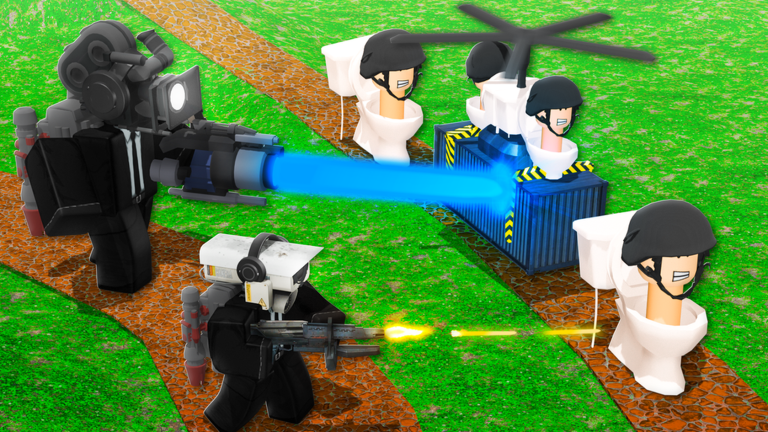
Sandbox (or practice/test lobbies when enabled) lets you measure unit DPS, range, and placement without spending Astro Raid tickets or failing Nightmare story attempts. Creators use it heavily for summer unit comparisons—Stormlord cones vs Thunder Strike full AOE vs Samurai macro.
If sandbox is temporarily unavailable after a patch, use easy story stages as a poor-man’s lab and record clear times instead.
What to Test
Test: time-to-kill on tanky bosses, AOE clear on clustered packs, anti-air coverage, and buffer synergy with Large Scientist Cameraman. Log results before spending Grandmaster crystals—see traits.
Import promising lineups into team builder and validate again on real maps where pathing differs from empty sandbox pads.
Limits
Sandbox numbers ignore some live modifiers from Challenge rotations and Raid scaling. Always confirm with a real Raid or Challenge clear before declaring a unit worthless.
Do not download “DPS scripts” promoted in video descriptions—see scripts warning.
Video Walkthrough
Frequently Asked Questions
Where is sandbox in the menu?
Lobby mode list when enabled—check Trello if the button moves after QoL patches.
Does sandbox give rewards?
Usually no meaningful rewards—use it for testing only.
Best units to test first?
New summer exclusives and freshly traded carries.
Replace tier list?
No—sandbox feeds your personal tier list; community lists add broader context.
Mobile support?
If the mode is enabled on your platform build; otherwise use easy story tests.